
Get the TradingView Indicator
Three steps to the FrogOracle S/R and Volume Profile indicators on your TradingView charts.
- 1
Sign Up
Start your subscription through Stripe - your 14-day free trial begins immediately. Have your TradingView username handy; access is granted to that account.
Subscribe - $12.49/mo - 2
Wait For Confirmation Email
You will receive an email once your TradingView username is added to the system. Once it arrives you can move on to step 3. While you wait, take a look at the documentation.
- 3
Add The Indicators
In TradingView, open the Indicators dialog and find FrogOracle under your Invite-only scripts. Add the Support & Resistance and Volume Profile indicators to your chart.
View the indicator on TradingView →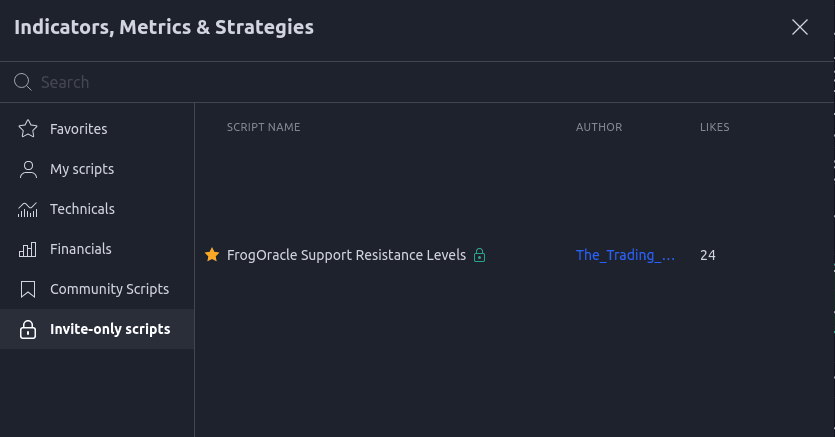
Manage Existing Subscription
Update payment details or cancel any time through the Stripe billing portal.
Manage subscription